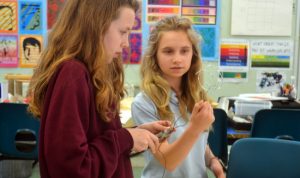
Kinetic Mobile Sculpture Workshop with Laura Kohler

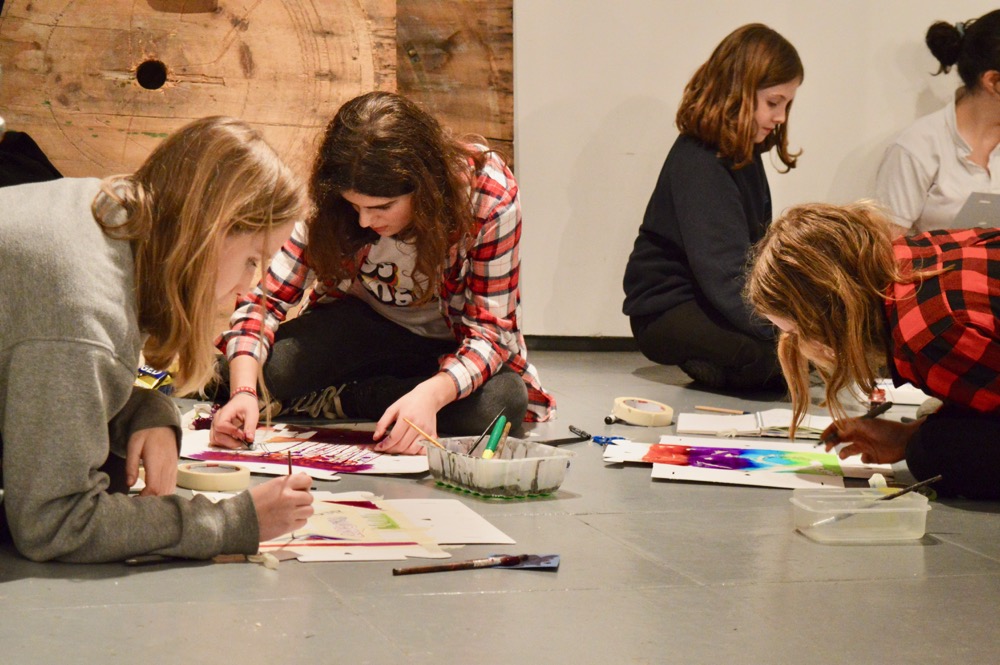
Laura Kohler is the head of Design and Technology at St John’s College School, Cambridgeand recently ran an AccessArt workshop for teachers. Many thanks to St John’s College School for hosting the workshop.

Laura works with children aged 4 to 13 and encourages, even the youngest, fledgling inventors, to learn through making and get to grips with using tools, processes, and thinking 3D.

Log in as a member below to access the full resource.


Laura Kohler
Laura Kohler


Please log in here to access full content.

Username
Password


Remember me
Forgot Password


To access all content, I would like to join as…
An Individual

Creative practitioners, educators, teachers, parents, learners…


An Organisation…

Schools, Colleges, Arts Organisations: Single and Multi-Users


AccessArt is a UK Charity and we believe everyone has the right to be creative. AccessArt provides inspiration to help us all reach our creative potential.

Making a Blind Contour Drawing


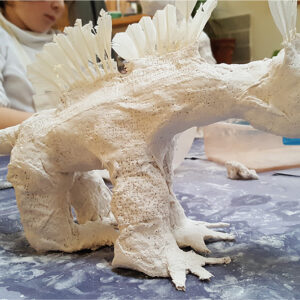
Making Modroc Sculpture

You May Also Like…

Visual Arts Planning Collections: Birds

Drawing Birds with Oil Pastels and Washes

session recoding: exploring modroc

Completed modroc sculpture

After School Art Club: Drawing, Collage, Painting and Sculpture.

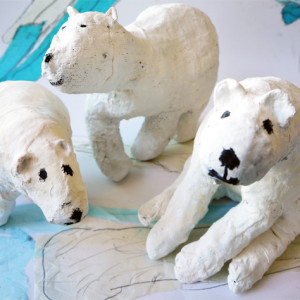
Polar bears at Bourn Primary Academy


Drawing with Tape on Walls with Rebecca Hoyes


Making Paper Bowls with Lisa Smith


Acrylic Painting: ‘Food, Glorious Food’


Gestural Mark Making with Acrylic Paint

You May Also Like…

Pathway: Expressive Painting

This is featured in the 'Expressive Painting' pathway

This is featured in the ‘Expressive Painting’ pathway

talking points: Charlie French

Charlie French

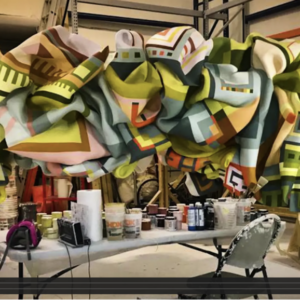
Talking Points: Marela Zacarías

Marela Zacarías

Talking Points: Brush Work of Van Gogh & Cezanne

Wheat Field with Cypresses (1889) by Vincent Van Gogh. Original from the MET Museum.


Drawing Faces: Introducing Chalk and Compressed Charcoal


Tool Tips: How to Use a Drill


Tool Tips: How to Use a Hammer and Nail


Tool Tips: Using a glue gun


Tool Tips: Measuring before Cutting


Tool Tips: Using sandpaper


Tool Tips: How to Use a Saw


Tool Tips: How to Use a Clamp


Tool Tips: How to use Pliers to Cut and Bend


Tool Box: Making Games (DT Project)

Tool Box: Notes for Teachers

Notes for Teachers

Find out more about the Tool Box project and how it might work in your classroom

Project Introduction, Intention and Outcome

Find out more about the Tool Box project and how it might work in your classroom

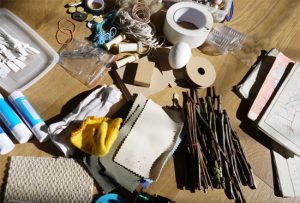
Tools & Materials List

What do you need to do to prepare for the project?

Project Preparation

What do you need to do to prepare for the project?

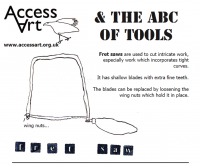
The ABC of Tools

Familiarise pupils with simple tools and how to use them

Download a Visual PDF which you can display in your classroom

Familiarise pupils with simple tools and how to use them

Tool Tips!

How to use pliers, cut wood, sand wood, use a hammer!

Quick videos which describe how to use simple tools!

How to use pliers, cut wood, sand wood, use a hammer!

Tool Box: Resources for Pupils to use in the Classroom

1. Welcome to Tool Box

Find out what the Tool Box Project is all about by watching two videos, including one about “design through making”

2. Collecting Materials

You can use a wide range of materials to make your games! Watch the video and think about which materials you would like to use

3. Gathering Tools

What kind of tools might you use in the project? Watch the video to find out

4. Getting Started

How will you actually get started to design and make your game? Watch the video here to find out…

5. Find YOUR materials!

Gather your materials and start building! Watch the video here and get going!

6. Testing Testing Testing

Testing is not something that comes at the end! Watch this video and find out how and why to test as you go along…

7. Miss, I’ve Finished!

When you think you have finished, it’s time to ask others what they think! Watch the video here to find out why

8. Sell, Sell, Sell

You’ve finished the game! Watch the video here and then you can make posters and tickets and get others to play your game!


3. Gathering Tools and Equipment for Design and Technology.


4. Getting Started – Thinking of Ideas for your Game


5. Find your Materials for Design and Technology Project